
How to Use a Post-it Note To Do List System
As an Amazon Associate I earn from qualifying purchases. For more details, please see our disclosure policy.
Looking for a new way to spice up your daily to do’s and home organization? Check out this Post-it Note To Do List system to help you track your daily, weekly, and monthly things to do.

Want to save this post?
Enter your email below and get it sent straight to your inbox. Plus, I’ll send you time- and money-saving tips every week!
Are you tired of fumbling for stray bits of paper or a ratty notepad for keeping track of the things you need to do each day?
Is your list app so full you can’t organize tasks in a way that works for you?
Are you scrambling to find the motivation to do your household tasks?
Forget motivation. What you really need is a system.
When you have a system in place that works, rain or shine, you don’t need to worry about finding that misplaced motivation. Systems are habits that get the work done for you.
And this post-it note to-do list system is it!
Why Use a Post-it Note To-Do List
It’s simple.
Likely you’ve seen those complex planner systems at the store that promise to help you get your life together or watched the reels of someone’s fancy schmancy bullet journal. Overwhelming systems don’t help someone already overwhelmed.
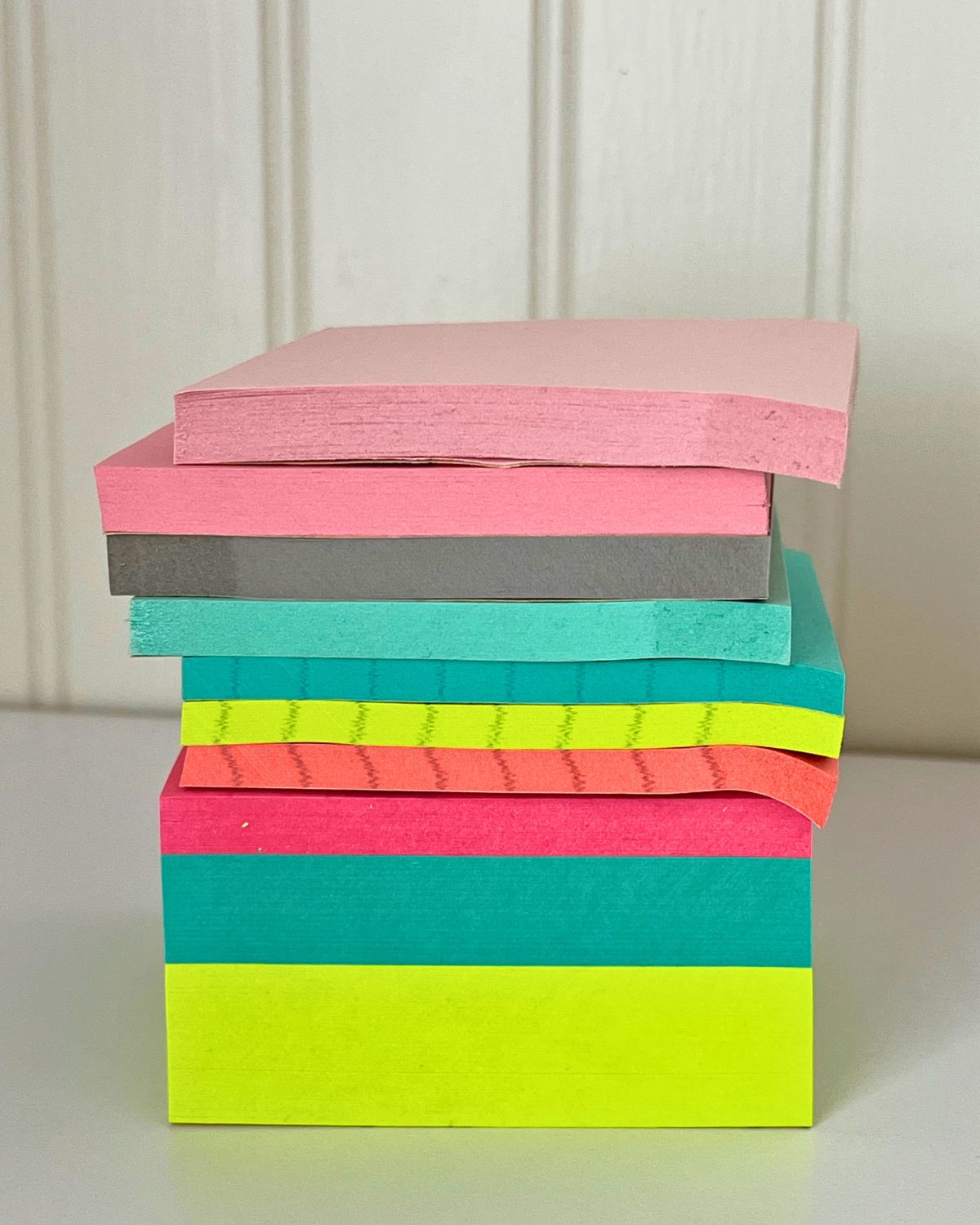
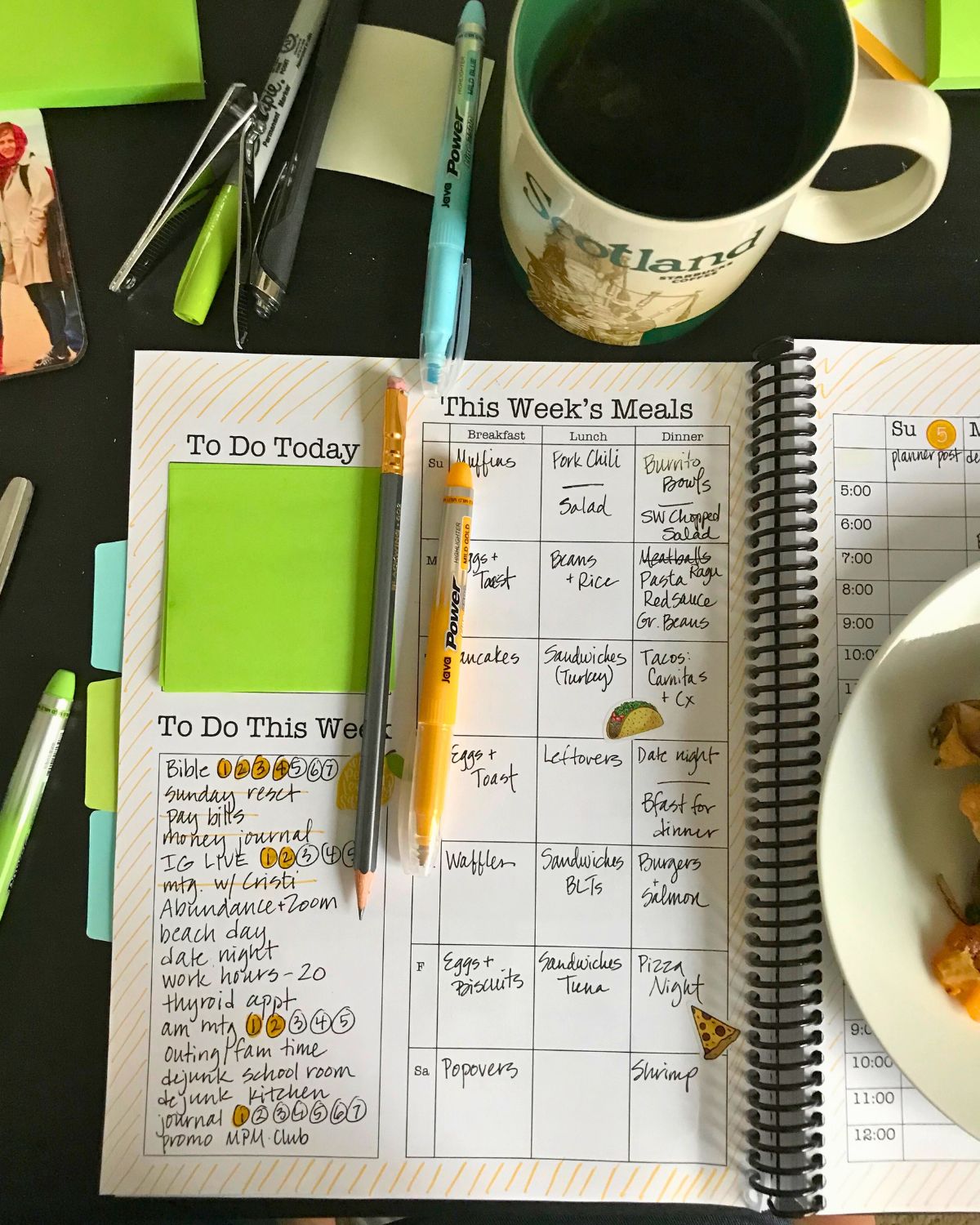
The beauty of the post-it note to-do list is that it’s incredibly simple. Just one 3-inch square to help you focus on what needs to get done today.
How to Implement the Post-it Note To-Do List
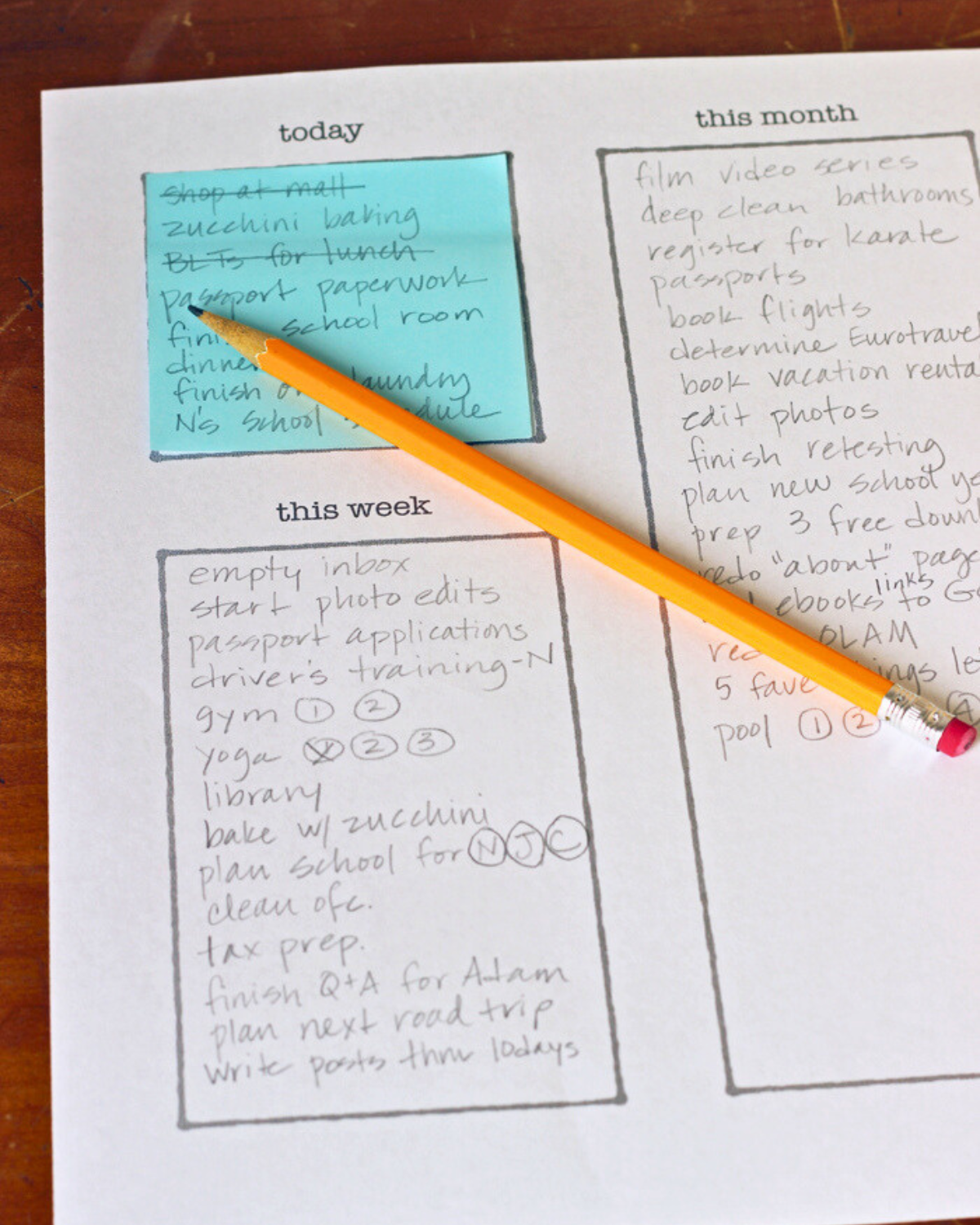
1. Write out all the things that need to do done this month.
Seriously. Don’t worry about organizing any of it, just get it out of your head.
The actual act of writing the list can help you problem solve and organize all the swirling in your head. After that the list serves as reminder of what needs to be done as well as a herald of accomplishment when you can cross that thing off the list.
2. Isolate what needs to get done this week.
Review your monthly list and prioritize. What is top level and what can wait for later?
Move the most pressing things for this week over to the weekly column.
3. Choose just a few things to do today.
That’s it. Just a few things. You can’t choose more than fits on the post-it note.
This idea originated in this book, write your daily “to do’s” on a Post-it note. If it can’t fit on that itty bitty square, it can’t fit in your day.
The small size of the post-it note forces you to focus. You don’t bite off more than you can chew. And you can get stuff done!
Psst, overacheiver, if you want to do more and you finish what’s on the post-it note, you can always get a new sticky note.
Get the free printable.
Get the free printable post-it note to-do list when you subscribe to the Life as Mom newsletter. Just drop your email address in the box below and then check your inbox to confirm your subscription.
At the same time you subscribe, you’ll get instant access to the Life as Mom Free Resource Library, including guides and printables for all seasons and holidays. Download the FREE printable Post-it Note To Do List and see for yourself.
Tips for Success
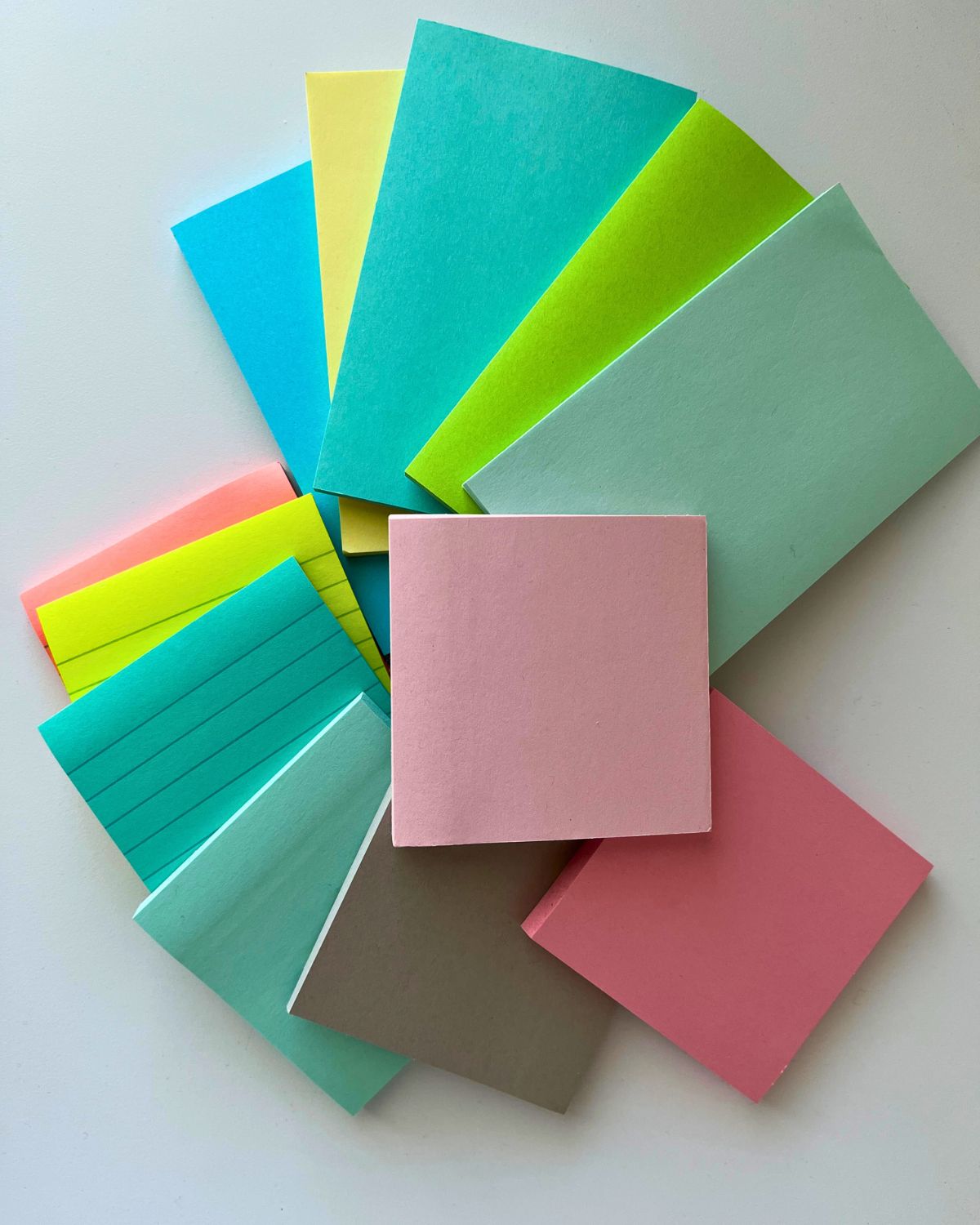
- Real Post-it notes work better than the knock-offs. No, this isn’t a sponsored post, but I’ve observed that my “store brand” sticky notes just don’t stick as well as the real McCoy. Consider this as you shop and maybe snatch up a bunch of new Post-its during the back to school sales that are going on now. Get the 3×3 size.
- The section for “this week” is exactly 3×5 inches. Reader Laurie tipped me off that Post-it does, indeed make 3×5 sizes. I didn’t dig deep enough on their site, apparently. I found a 3×5 pad on Amazon.
- Do you need to use post-its? No, you can use other paper but the bright colors sure are cute!
But wait, there’s more!
What if you had a PLANNER that incorporated all this beauty to help you manage all the things in a quick and easy way?
Over the last few years, I’ve come to love my Post-it Note To Do List system so much, that I worked it into the design of my very favorite organizing tool, the Print & Go Planner.
The planner includes a master copy of the original Post-it Note To Do List as well an weekly adaptation that includes a meal planner. Whoo hoo!
I promise you will love this planner. Click here to learn more.
More Ways to Organize Your Day


What do you think?
I’d be honored if you chimed in the comments section. What do you think?
This post was originally published July 19, 2014. It has been updated for content and clarity.



Couldn’t find the download.
Hey Peggy, I checked my records and see that you received an email today with library details and how to access the download. You should be all set. Let me know if you have further trouble.
I was interested in the Post it Note to Do List – subscribed – but never received anything.
Hey Jenna! It looks like there was a small delay in its delivery. You should have rec’d access to the library this morning. Please let me know if you have further trouble.
I subscribed but still haven’t received the free post it to do download?
Hey Heidi, I’m so sorry for the glitch in the system. I just sent out an email with a link to our full library of free resources. Please let me know if you didn’t receive it.
SURELY SOMEONE HAS TOLD YOU OF YOUR NEW FAVORITE THING EVER…TESLA AMAZING “POST IT” NOTES…static, not sticky..move them, shift them, write on them, slide them around for a party trick…never fall off the wall, never fold awkwardly, never forget that you had a to do list because the to do list somehow stuck to the bottom of your shoe and got left behind in a random grocery store aisle…all the colors you want, all the sizes you didn’t even know you wanted!! your life will never be the same…
Never heard of those. Thanks for the tip. Did you buy them through the kickstarter?
This could also work for a menu. You could plan the meals for the month and buy ingredients. The post-it note would allow you some flexibility with the weekly and daily menus if your schedule or plans change. The monthly list would let you know what your options were for the week, and the weekly list would let you know what your options were for each day.
Great ideas!
By the way, I have actually been using your system for about a week now and it does work and it really helps me a lot!
Pam
I really like where you are going with this Post-It to Do System. I would really love it even more if there was an app designed to do this that had a feature that allowed you to put the date the item came onto the master list, then a date column for when you planned to do the task, then the app would move to your current week’s list of things to do, and then we’d need a column for the date of completion. This way, nothing falls off the list and you Are really accountable for what you at doing, when did you actually do it, and how close to the expected date did you come to achieving it. We Ned a coder! My hubs works for 3M so he liked your method just the way it is, but I think an app that allowed for storage of lists, managed dates electronically, and would automatically populate a specific time periods To-Do’s from the master list would be a game changer, for me anyway..
Thanks
Pam
Glad you like it! Coding is beyond me. 🙂
You are welcome! I love the repositionable glue, and you can get it pretty cheap at Joann Fabrics or Michael’s when you use the coupons…price compare to get the best deal…It’s also great for paper crafts, because it you position something and change your mind, you can always remove and reposition. Keep in mind, that sometimes that original spot might have some residue and remain a little sticky.
Just got three sticks for $2 something on Amazon. 🙂 http://www.amazon.com/gp/product/B00D32SO3W/ref=as_li_tl?ie=UTF8&camp=1789&creative=390957&creativeASIN=B00D32SO3W&linkCode=as2&tag=oflwtf-20&linkId=I2WRUMBMF4HW4WEF Not sure what your price is, but thought this was a good deal. #affiliatelink
Just another thought, I love using Elmer’s “Repositionable” glue sticks, then you can cut out your own paper and it sticks really well and it’s removable….for those wanting specific sizes.
Great idea! My husband just asked me if there was a post-it glue stick. I had a vague memory that there was and voila!
Nice idea, I like to change my to-do-list system every once in a while. As I am right handed, I would change the layout: Have the month on the left, the week in the top right, and the day in the bottom right corner. That way I can see the month while I write the week, and see the week when I write the day.
I’m right handed also, but i hadn’t considered that tweak. Thanks for the suggestion.